
7 questions
Advertising Message Test
Check what an audience takes away from a message, which claim they believe and whether the next step is clear.
 DatumForms.
Find out where visitors get stuck, how easily they complete a task and what needs attention.
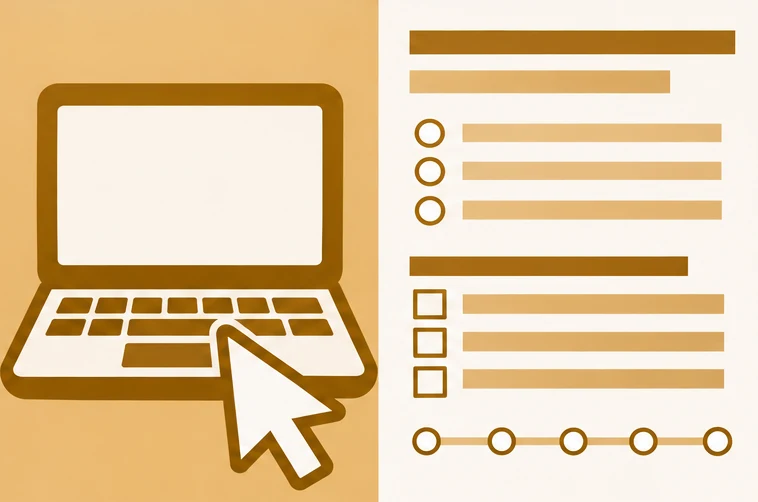
Give a visitor one concrete task, such as finding a delivery policy or booking an appointment. Ask these questions immediately afterwards so the feedback refers to a specific journey.
Start with visitors who could not complete the task. Compare their reported problems by device and previous experience, then reproduce the most frequent problem on that device before prioritising a fix.
Define your audience and estimate the cost of reaching them through the DatumForms research panel.
Explore respondent recruitment →Try the questionnaire here. Your preview answers stay on this page.
Check what an audience takes away from a message, which claim they believe and whether the next step is clear.

Compare unaided recall, brand familiarity and the associations people make with your brand.
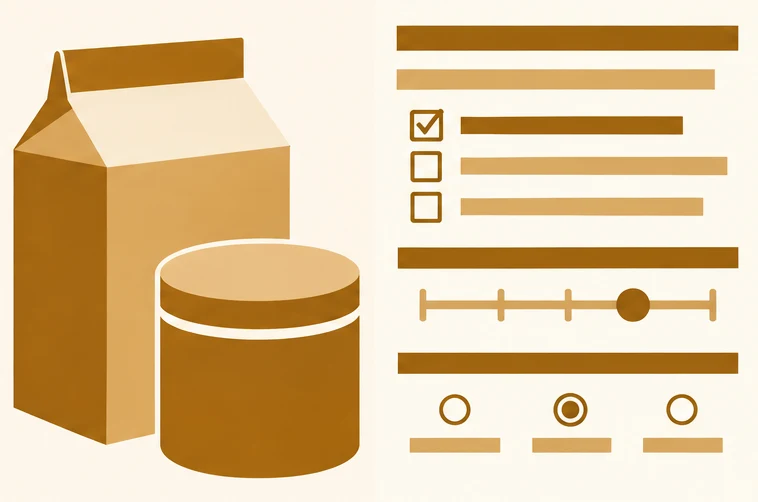
Test whether a package communicates what it contains, stands out on the shelf and gives buyers the information they need.
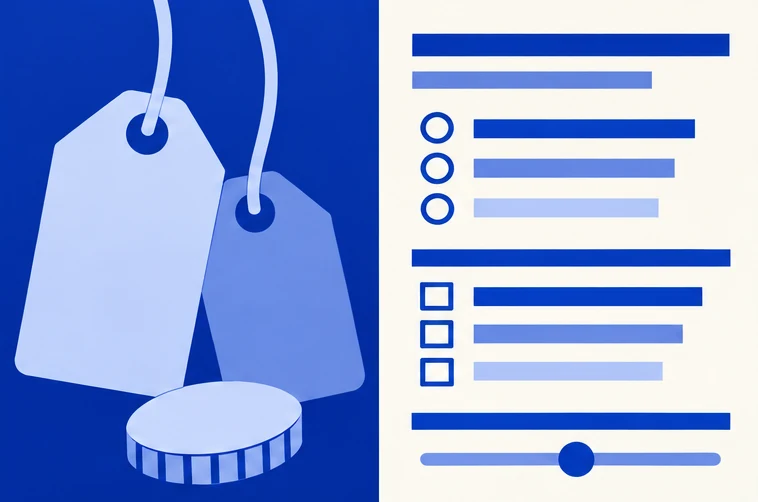
Understand how likely buyers judge a proposed price and which alternatives or benefits shape that judgement.

Test a product idea with potential buyers and learn what would make them choose it.

Explore shopping frequency, preferred channels and what influences purchase decisions.