 DatumForms
For research agencies & corporate teams
Review the respondent experience before launch
A practical review sequence for the opening, questions, answer options, alternate routes and survey completion.
TL;DR
- Review the complete respondent journey, including the opening and completion message.
- Test relevant alternate routes and check the questionnaire on a phone.
- Log issues, check corrections and make publication an explicit decision.
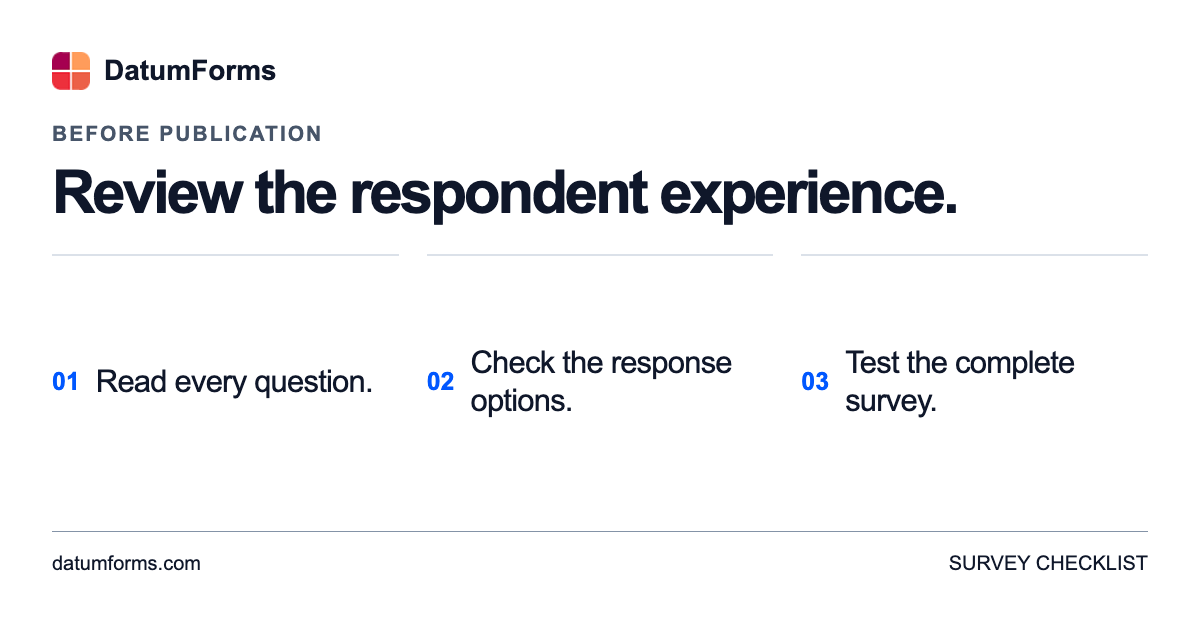
A questionnaire can look complete in the editor while still leaving respondents uncertain about what to do. Before publication, review it as a person taking the survey would encounter it.
Start at the beginning, work through to completion and keep a short issue list. For a research agency, that list can support client review. For a corporate team, it gives reviewers a concrete record of what needs attention.
Read the opening
Can the intended participant understand what the study is about and what participation involves? Check the explanation against the actual study, including any relevant eligibility, privacy and reward information. Do not copy a promise from another project without confirming that it applies.
Make sure instructions use familiar words. If the questionnaire requires a particular reference, such as a recent purchase, explain it before the questions that depend on it.
Check each question and its answer options
Read the wording aloud and try selecting an answer. Look for questions that combine different ideas, unexplained terms and options that do not fit the question. Check where an appropriate “not applicable” or similar response may be needed rather than forcing a person to invent an answer.
Pew Research Center describes pretesting as part of questionnaire development. An internal check is useful, but it should not be mistaken for trying the questionnaire with people from the intended audience.
Follow more than one route
If the study has alternate paths, review those paths deliberately. Record which route was checked and what happened. Reaching the final page through one set of answers does not show that every route works.
Try the questionnaire on a phone as well as a larger screen. Check long labels, scrolling, instructions and the completion message. Ask a colleague to try it independently, then compare notes.
Close the review loop
For each issue, record its location, the change needed and who will check the correction. After edits, revisit the affected route. Keep review responses separate from the study’s real analytical dataset using the product’s supported review process.
Use this review to make a publication decision. A saved questionnaire and a reviewed, ready-to-share questionnaire are different stages of the work.
Use a review log that someone can act on
A useful issue log identifies a location and an action. The examples below are hypothetical review notes; they are not defects reported in a customer study.
| Review area | Example issue to investigate | What to check after a correction |
|---|---|---|
| Opening | A key instruction is introduced too late | A person sees the instruction before the relevant question |
| Response options | A relevant experience has no suitable option | The revised options fit the question and intended audience |
| Alternate route | A path has not been reviewed | The reviewer follows that route through completion |
| Phone layout | A long label is difficult to read | The complete label and control remain usable at phone width |
Keep the log short enough that the team uses it. A location, an issue, a responsible reviewer and a result are a useful starting point. Add detail when it will help someone reproduce the problem.
Separate different kinds of review
A technical check asks whether the controls, routes and completion behaviour work as intended. A wording review asks whether the questions and options express the intended meaning. Trying the questionnaire with relevant people asks whether respondents understand and can answer it as expected. These checks complement one another; completing one does not establish that all the others have passed.
For a project with several reviewers, decide how feedback will be consolidated. Otherwise, one reviewer may test an earlier questionnaire while another comments on a later revision. Record the version or review date and make the questionnaire being assessed easy to identify.
Recheck the parts you changed
After a correction, try the affected question and route again. If the change alters instructions or eligibility wording, include the earlier steps a respondent would encounter. If it affects the completion experience, follow the route to the end.
Before publication, identify unresolved issues and decide whether any should prevent launch. Agree who makes that decision. Do not treat the absence of new comments as approval when reviewers have not confirmed which version they assessed.
For your next review, start with the opening explanation and keep going until the respondent’s final screen. Discuss a questionnaire workflow with DatumForms if your team is planning its next study.
Before checking the complete journey, use the question-wording examples. Then test how the questions work together.
Record the review decision in the survey project workflow so the next person knows what is ready.