 DatumForms
Before you start
Save the draft and prepare example answers for each branch. Preview does not replace a submitted pilot.
Open: Your project → Form Studio → Preview.
Steps
- Open the intended saved form and choose Preview.
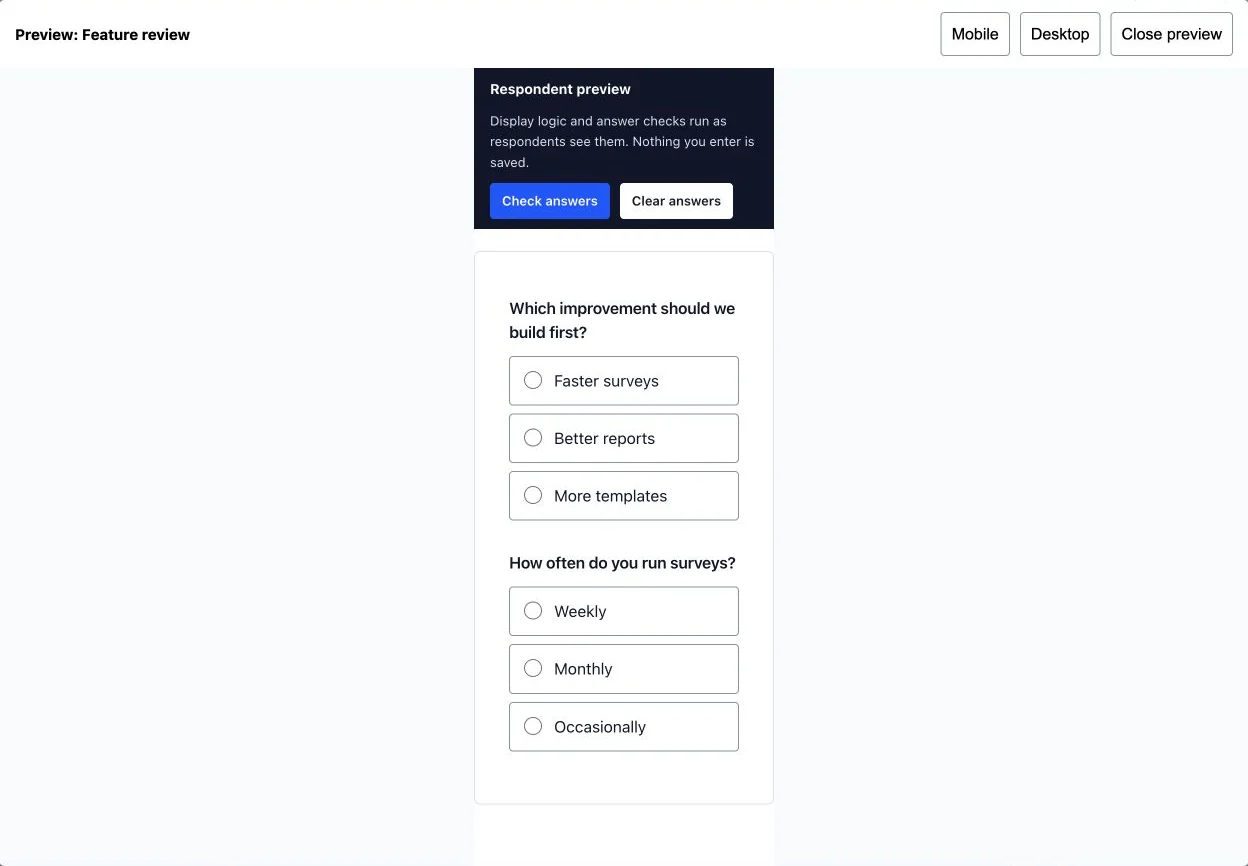
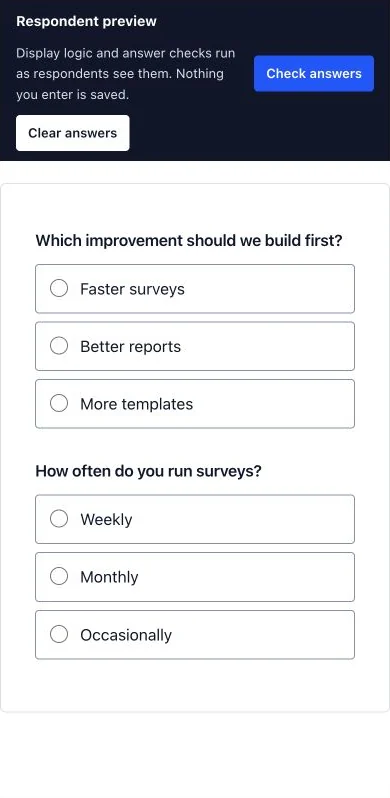
- Select Desktop or Mobile. Read the instructions, enter answers and test required fields, matrices, calculations and conditional questions.
- Test long labels and narrow screens. Verify that hidden fields stay hidden.
- Choose Close preview, make corrections and Save draft. Review and publish when the full route works.
- Open the survey link with a pilot participant assignment to verify collection and results end to end.
Check the result
The preview is readable and follows the expected logic. A pilot confirms the published survey saves the expected answers.
Troubleshooting
If preview and an existing participant response differ, compare the response’s version with the latest published version. A saved unfinished response keeps its original version.