 DatumForms
Before you start
Select the correct survey and version. Review quality before drawing conclusions.
Open: Your project → Results.
Steps
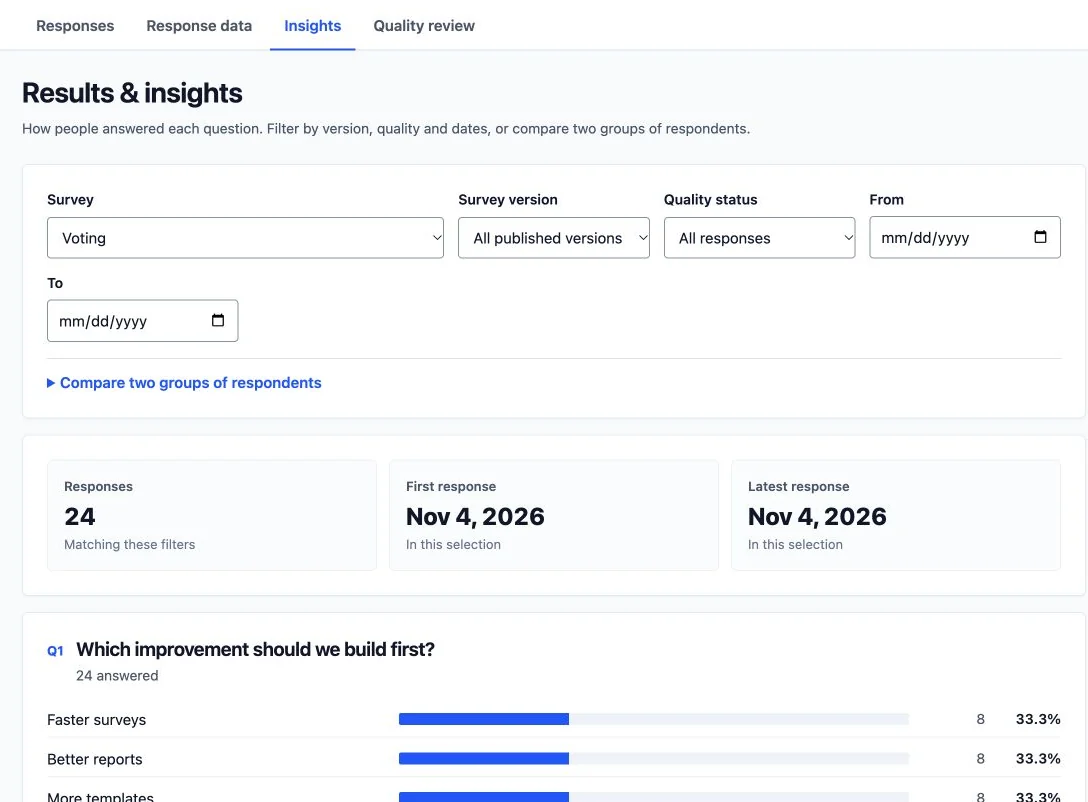
- Open the analysis or insights view for the selected survey.
- Check which question and version each summary uses. For rankings, verify the ranking definition; for ratings, read the scale labels.
- Compare relevant groups using filters and the available counts. Keep small samples and missing answers visible in your interpretation.
- Export the underlying responses when you need an independent calculation or reproducible report.
Check the result
Summaries correspond to the selected responses and question definitions. Conjoint results remain tied to the study version and tested levels.
Troubleshooting
If results differ from your spreadsheet, align filters, versions, quality decisions and blank-answer handling. A convenience panel sample does not establish population representativeness.